Introduction
Having long been intrigued by GrapheneOS and being overdue for a new phone, last September I treated myself to a Pixel 9 Pro and installed GrapheneOS out of the box.
GrapheneOS is a privacy and security focused open-source mobile operating system based on the Android Open Source Project (AOSP), developed for Google Pixel devices. I wanted to share my experience using GrapheneOS day to day and help dispel some common misconceptions, particularly those related to it being overkill or inconvenient for normal, ordinary use. I believe that by sharing my experiences as an ordinary person using privacy-friendly technology, it may encourage other people to do the same.
At the time of writing, Google Pixels are the only handset on the market that meet GOS hardware requirements. The irony is not lost on me that purchasing Google hardware is the best option for having a privacy-respecting phone.
GrapheneOS also raises the bar against forensic extraction tools like Cellebrite, compared to regular Android. This is primarily through GOS’ hardened lock screen. The security offered by the Pixel’s Titan M2 security chip, paired with GOS software features - like auto-reboot to ‘before first unlock’ (BFU) state and USB-C port controls that can disable data connections when locked - offer excellent resistance to conventional mobile phone data extraction tools. Through leaked documentation, Cellebrite reportedly listed GrapheneOS devices as being unsupported (or significantly limited for data extraction), particularly in the BFU state (where encryption keys are not in memory, and is generally the most secure state of a smartphone), but also in ‘after first unlock’ (AFU) state.
Installation and setup
I found a great deal on the P9P shortly after the Pixel 10 was released. For my intended usage, the P10 did not offer any significant benefit. At the time, there were also some delays and concerns around the release date of GOS on the P10, due to the upstream AOSP, whereas on the P9P it was tested and known to be excellent.
To put it simply, it’s a normal phone. It works like a normal phone. There is little to no friction in daily use. It is not complicated nor a burden to use on the day to day. To an extent, it’s helped me change my relationship with my phone. It’s fantastic and I haven’t looked back.
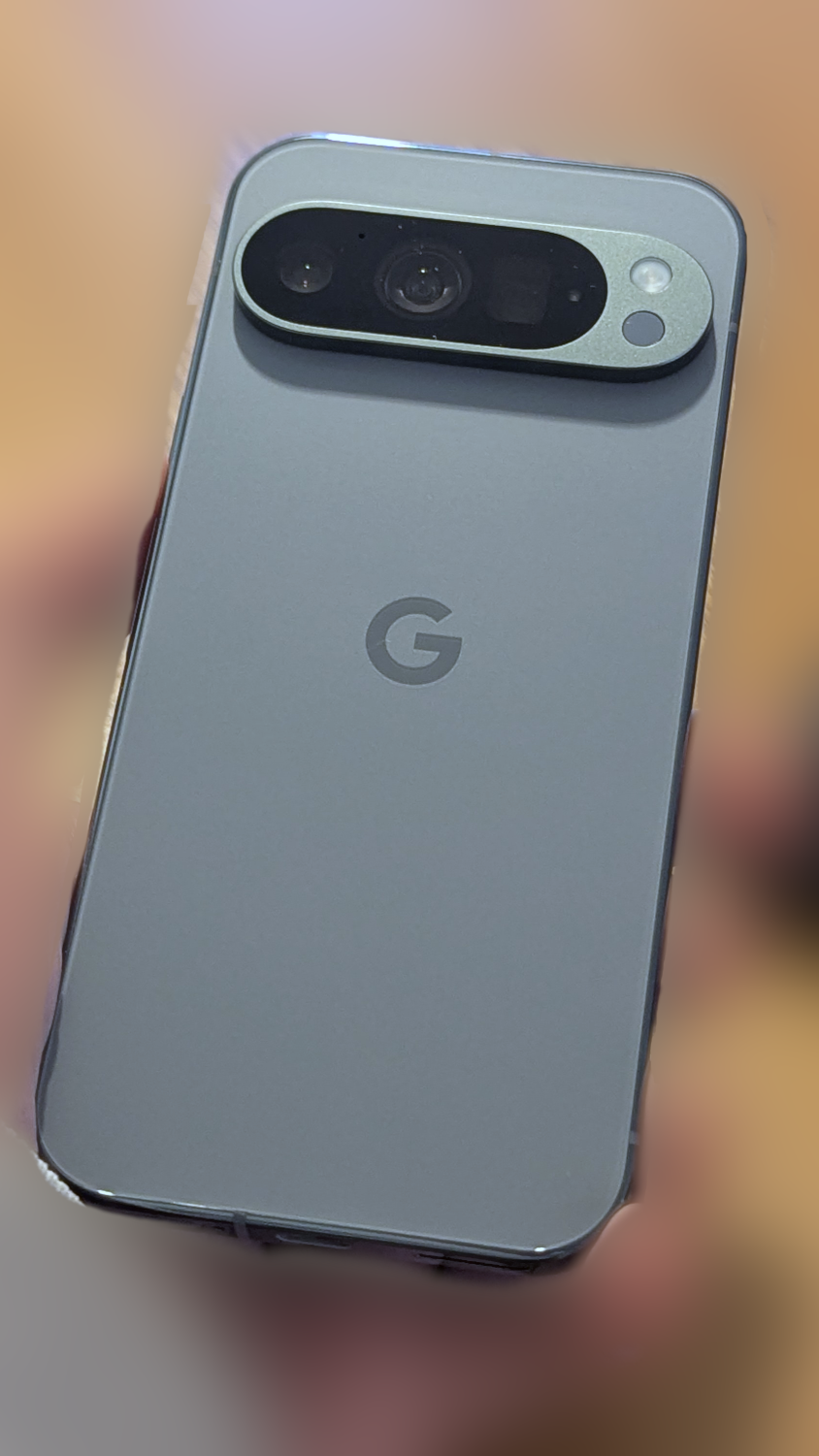
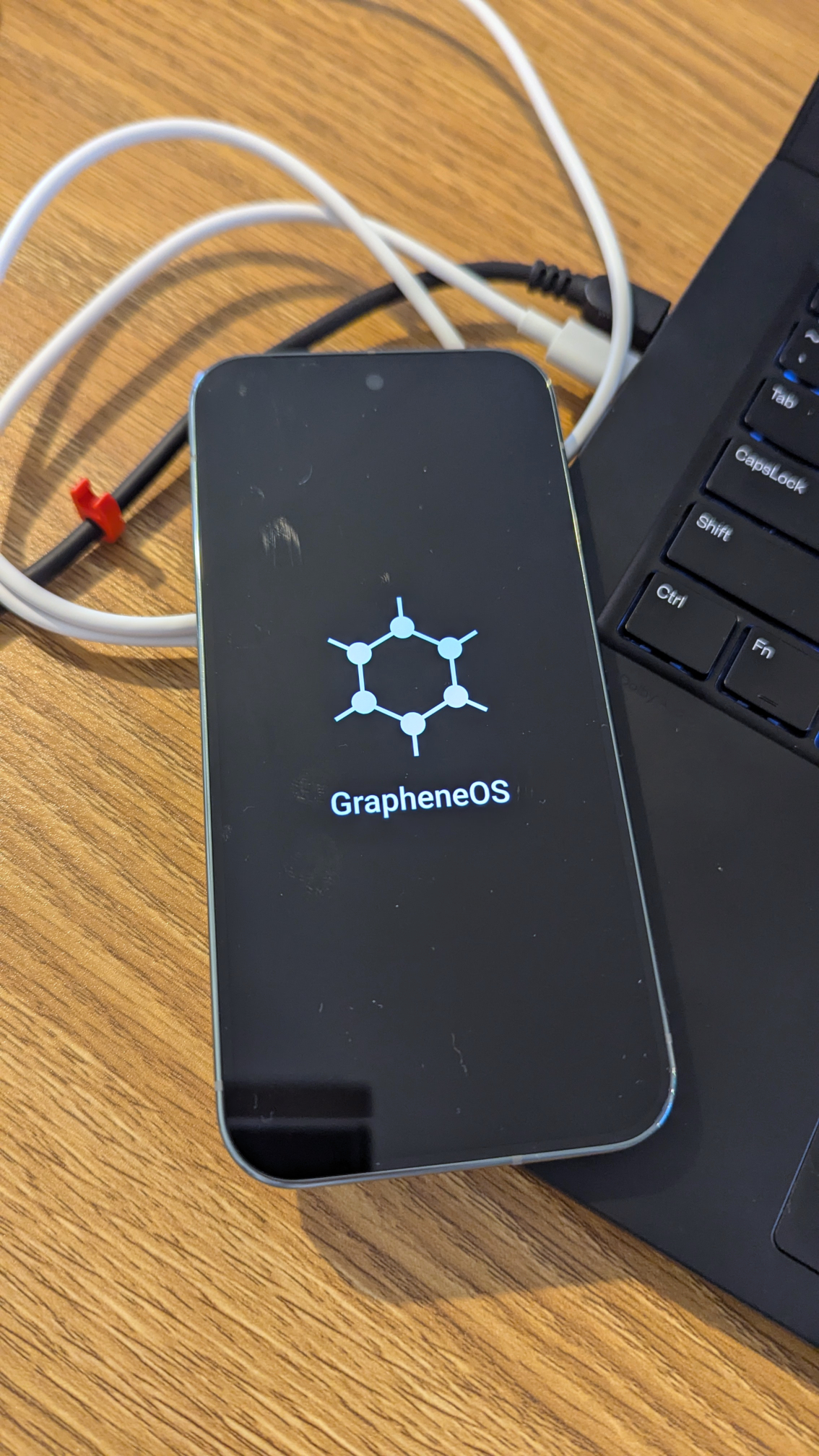
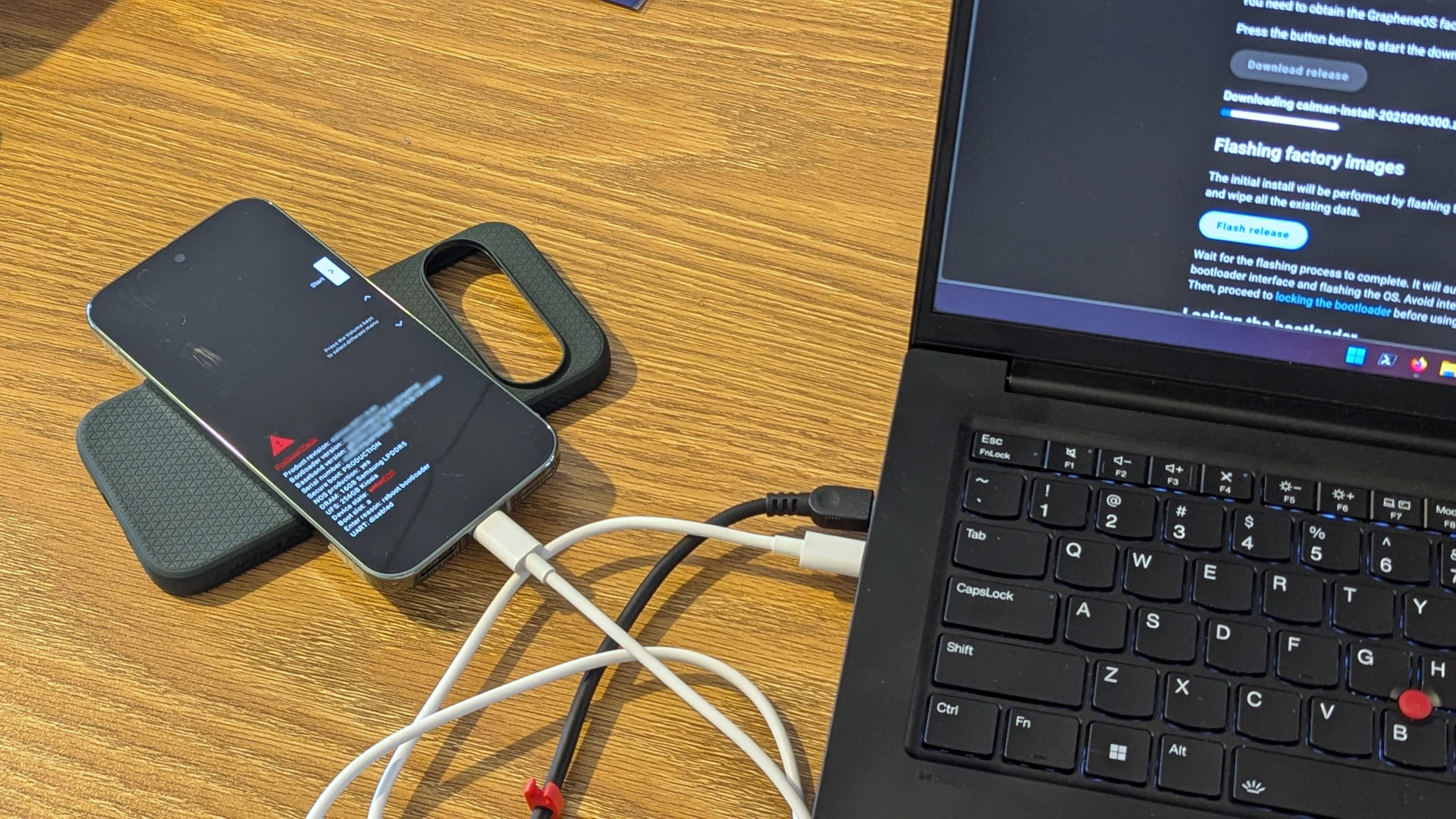
Right out of the box, I booted the device once to ensure it was functional from new. After that, I powered off and began the process of installing GrapheneOS. The process was seamless using the web installer, which requires a Chromium browser. It is easier than installing an operating system on a PC.
Things became more time consuming as I began installing apps and reviewing their permissions. I took it as an opportunity to do a cull of what I actually wanted to keep using from a privacy perspective. While I plan on ‘de-Googling’ more as time allows, unashamedly I still installed the Google apps I use regularly like Google Maps and Gmail. I installed apps using the Google Play Store. While you can use other sources like Aurora Store or F-droid, this involves other considerations, processes and headaches I frankly couldn’t be bothered with. Because I am not yet completely de-Googling, there was minimal downside to installing apps this way.
GrapheneOS features
GrapheneOS supports multiple user profiles for isolated workspaces and compartmentalisation of apps. Personally, I’ve just been using a single user profile for convenience. Swapping between profiles to use specific apps adds too much friction. Many people isolate Google or invasive apps, or their banking apps. To me, this was a complete burden for minimal gain. The idea of booting into a separate profile to quickly check the train timetable or my spending account balance seemed completely absurd.
GrapheneOS provides stronger sandboxing than stock Android, with hardened memory management and additional permission toggles (such as Network and Sensors) that aren’t available on vanilla Android. This is complemented by a sandboxed implementation of Google Play Services. Enabling it allows smoother usage of apps that rely on Play Services (many use it for push notifications), while ensuring it runs as a regular, unprivileged app subject to the standard permission model. On stock Android, Play Services runs as a privileged system app with deep OS integration and most permissions granted by default, giving it far broader access than any normal app. If you take a heavy-handed approach to limiting app permissions, be prepared for some ‘break-fix’. As someone who likes tinkering with software, it’s a fairly straightforward process with a relatively trivial amount of troubleshooting. Some quick searches here and there related to sandboxed Google Play Services, but mostly smooth sailing.
Another great feature is setting up limited scopes for media (photo/video) access per application. Essentially, those apps can only see images/videos you explicitly permit. In practice, this means you need to take an extra step of allowing an app to see an image before you can use it within an app. I don’t use this for every app, though I find it particularly useful for Meta apps (WhatsApp, Messenger and Instagram), considering Meta’s suspicious history of trying to scan user’s camera rolls for Meta AI.
This illustrates another point. While GrapheneOS helps limit the phone itself from spying on you, it doesn’t help if you use privacy-invasive apps. Users must make sensible choices about the apps they use and what they do within them. More on this in another blog one day.
Applications
Custom launchers
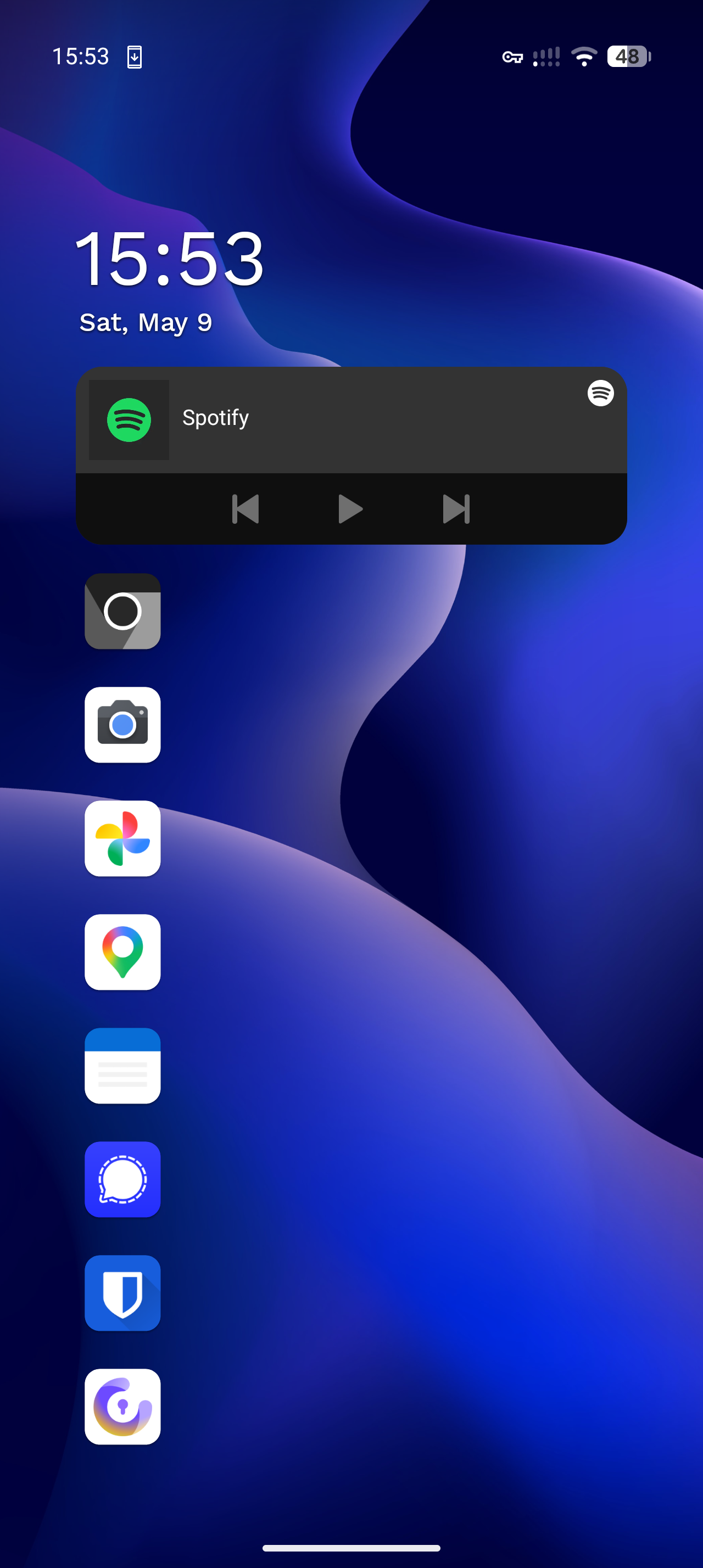
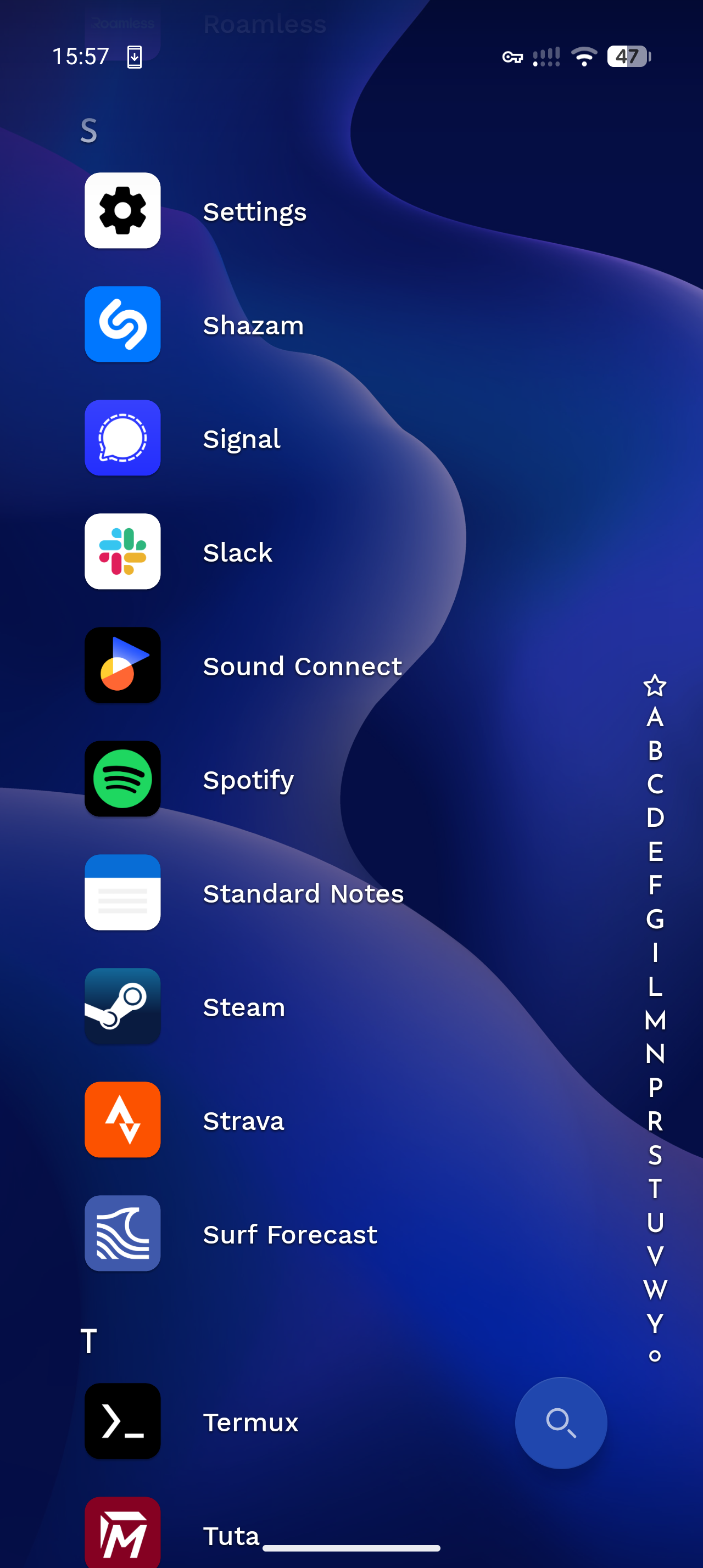
Originally, I used OLauncher instead of the generic GrapheneOS built-in option. It was nice, though I did get tired of the sheer minimalism and lack of visual interest. Eventually I settled with Niagara, a little more visual interest, but still minimal and uncluttered. I wanted to get away from the usual Pixel grid homepage look. The notification tray and quick-access items here become key, to avoid scrolling through the app list to do quick things.
Android Auto
Android Auto works well. I needed to allow unrestricted background usage and disable exploit protection for it to connect quickly. Before this, it would often stall and require multiple restarts of my stereo, unplugging and replugging to get it to connect before this. Wireless Android Auto works, but you will need to toggle off any VPN connections. This is not unique to GOS.
Banking apps
Both of my banking applications worked perfectly without any warnings, issues or unusual behaviour.
They were documented in the PrivSec Banking Applications Compatibility list as being functional.
Google apps
I still use several Google apps like Gmail, Docs, Drive and Photos for now. They work fine with some limited permissions. It’s also nice knowing they aren’t directly accessible by a root-level Google Play Services which is linked to a Google account tied to my phone at the OS-level. It’s a slow burn to de-Google, I’ve been taking a measured approach. Obviously Google can still collect usage activity from me through my activity within these apps; however, their ability to track me between applications is just a little bit harder, and not done by the phone itself!
Pixel Camera
I downloaded Google’s Pixel Camera, which is hard to beat. It made sense to me to take full advantage of my phone’s camera hardware with an application designed by the manufacturer for it. I did deny its Network and Sensor permissions, without any loss in functionality. An acceptable trade off.
Other apps
Everything works as per normal - email, messaging, note taking and MFA applications (including Microsoft Authenticator which is required by many employers). The only app I couldn’t use so far was Depop … which is something I can live with.
I’ve even had full compatibility with the UK government VISA app on a recent trip. Haven’t yet been left high and dry by a critical app not working at a key moment.
The bad
Tap-to-pay
The vanilla Android feature I miss (and by far the biggest downside to GOS), is the fact digital credit/debit card payments via Google Pay do not work. Google Wallet’s tap-to-pay feature (formerly ‘Google Pay’) will not work on GrapheneOS. I appreciate this may be a dealbreaker for some. Virtually all Australian banks rely on Google Wallet for phone payments - I am unaware of any alternatives. Usually, I’m out and about with my wallet and cards anyway so it’s not a huge deal, but it is nice to have the option to tap and pay, particularly in situations where you are travelling light (out for a walk or bike ride and want a coffee, etc). Paying with an actual card feels a little old school these days.
Fortunately, you can still use Google Wallet for flight boarding passes, event tickets, etc. The wallet app still works great, but tap-to-pay specifically does not. Unfortunately, I don’t see an application-based solution for this. Google requires hardware attestation using the Play Integrity API, which GrapheneOS fails due to being uncertified by Google. Google’s certification only covers OEM stock OS builds, so GrapheneOS fails the check despite arguably being more secure.
This isn’t something I anticipate ever being resolved. As far as alternative apps go, the nature of digitally tokenised payments requires working directly with mega corps like Visa and Mastercard … and most probably being a large, regulated, audited entity with commercial agreements in place. I don’t see any small privacy oriented dev projects getting there. Sometimes you just have to take the L.
My solution: Eventually I’ll pick up a Garmin smartwatch with Garmin Pay - solves the problem of wearable payments, assuming your bank is supported.
Summary
I wouldn’t recommend GrapheneOS for someone who wants ZERO friction in using their phone. That said, the friction it adds is minimal and the drawbacks are worth it for the advantages.
Beyond that, GrapheneOS demonstrates that privacy doesn’t need to be inconvenient and that you can greatly improve your phone’s security and privacy with relatively little compromise. It’s a normal phone for normal people. It’s far from the untraceable, hoody-wearing hacker Neo-from-the-Matrix burner phone OS that many influencers try to portray it as.
Those with more advanced threat models (journalists, activists, business people, politicians, etc.) could take GrapheneOS to the next level. More advanced features afford some rock solid privacy features. Yet, these aren’t required if you just want to start the journey of taking back ownership of your digital life and make some small steps to improve your privacy. For mere normies, you don’t need to over complicate things here. It’s a phone, it works great. It’s incredibly pleasant to use. Don’t overcomplicate things.
I’ve always been an Android user. I had a hand-me-down HTC Dream/G1 before a few phones from the Nexus series, a Samsung Galaxy in there somewhere along the way, then eventually a Pixel 3a, 6 Pro and now 9 Pro. Swapping to GrapheneOS reminds me of how my experiences of Pixel phones used to be, especially when I transitioned away from the Samsung Galaxy device: clean, no bloat. A blank canvas. Now there is so much Google telemetry embedded into Pixels, apps that you can’t uninstall or disable, ‘custom’ features that frankly just get in the way and create opportunities to steal my attention. I am sure this is also reflective of my changing relationship with technology in general, my increasing disappointment of big tech’s enshittification and a pursuit of a more digitally minimalist life.
With GrapheneOS, you can just get rid of anything you don’t want. Disable it, restrict its permissions. Break the app’s functionality by removing permissions if you want to, it won’t stop you. You have total control over YOUR phone. It’s fast, it’s efficient. Performance is great, battery is great. It feels similar to the dumbphone movement, where users are rejecting smart phones entirely. Realistically, I still want a smart phone for the convenience offered - MFA, maps, music, camera and messaging apps are useful in modern life. GrapheneOS feels like a compromise where I still am in control of the relationship with my digital devices in a way I am more comfortable with. My phone, my data, my control, my choice. Personal technology to serve your personal decisions.
Looking forward
Recently GrapheneOS has revealed a partnership with Motorola. This means some new Motorola phones in the future will either ship with GOS, or be guaranteed to meet its minimum hardware requirements. This is a big win for projects like GOS and a step forward in the right direction. Time will tell if new phones from Motorola will surpass Google’s Pixel series.